AI Image Animator

Turn one still image into a short cinematic clip. Upload a portrait, product shot, or scenic photo and animate it with prompt-guided motion.

Why AI Image Animator works for real still-image inputs built for real results

These examples show input types that preserve subject consistency while adding believable motion.

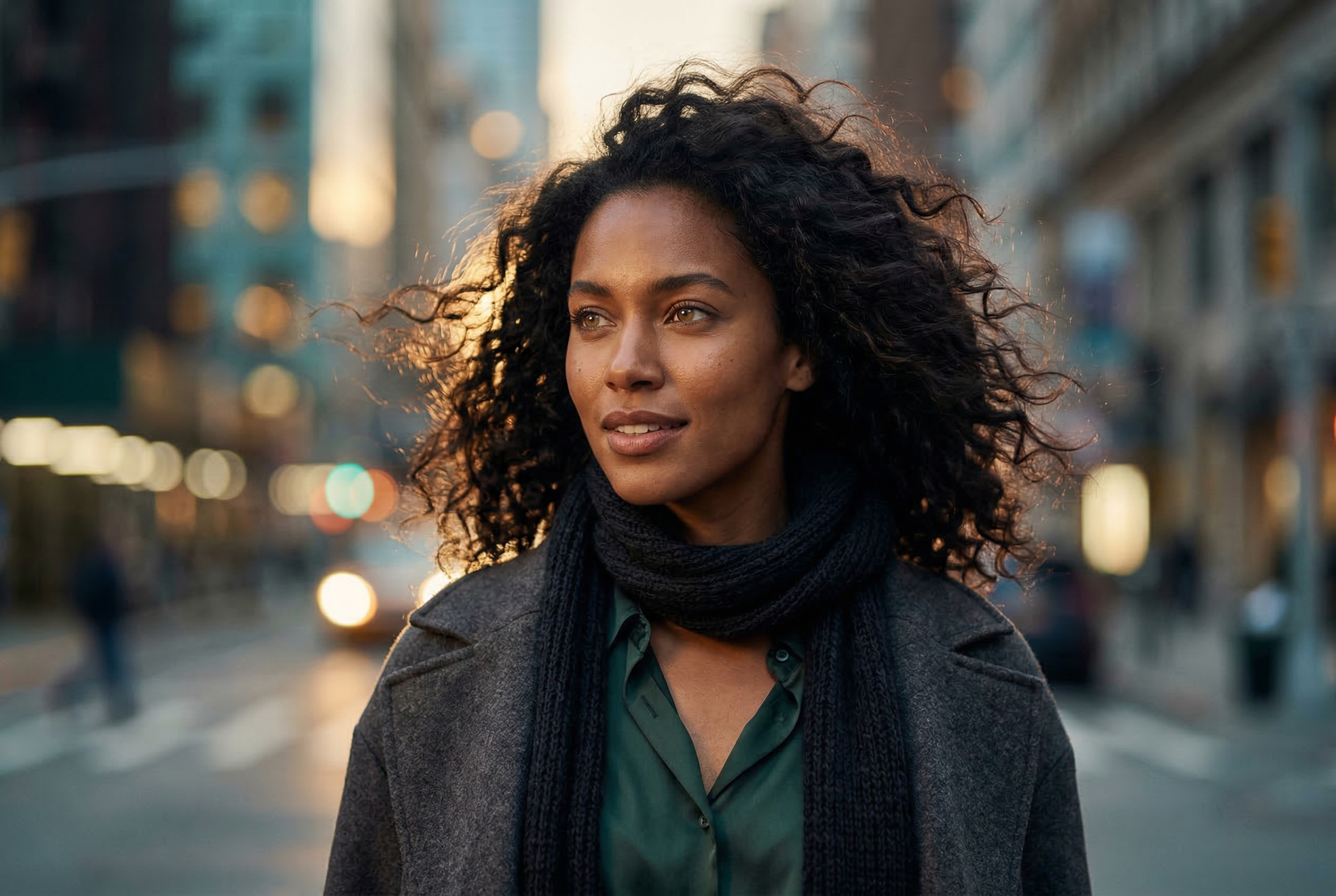
Animate portrait photos withnatural subject stability and depth

Portrait inputs work well when you want subtle facial consistency, gentle hair movement, and cinematic camera drift while keeping identity intact.

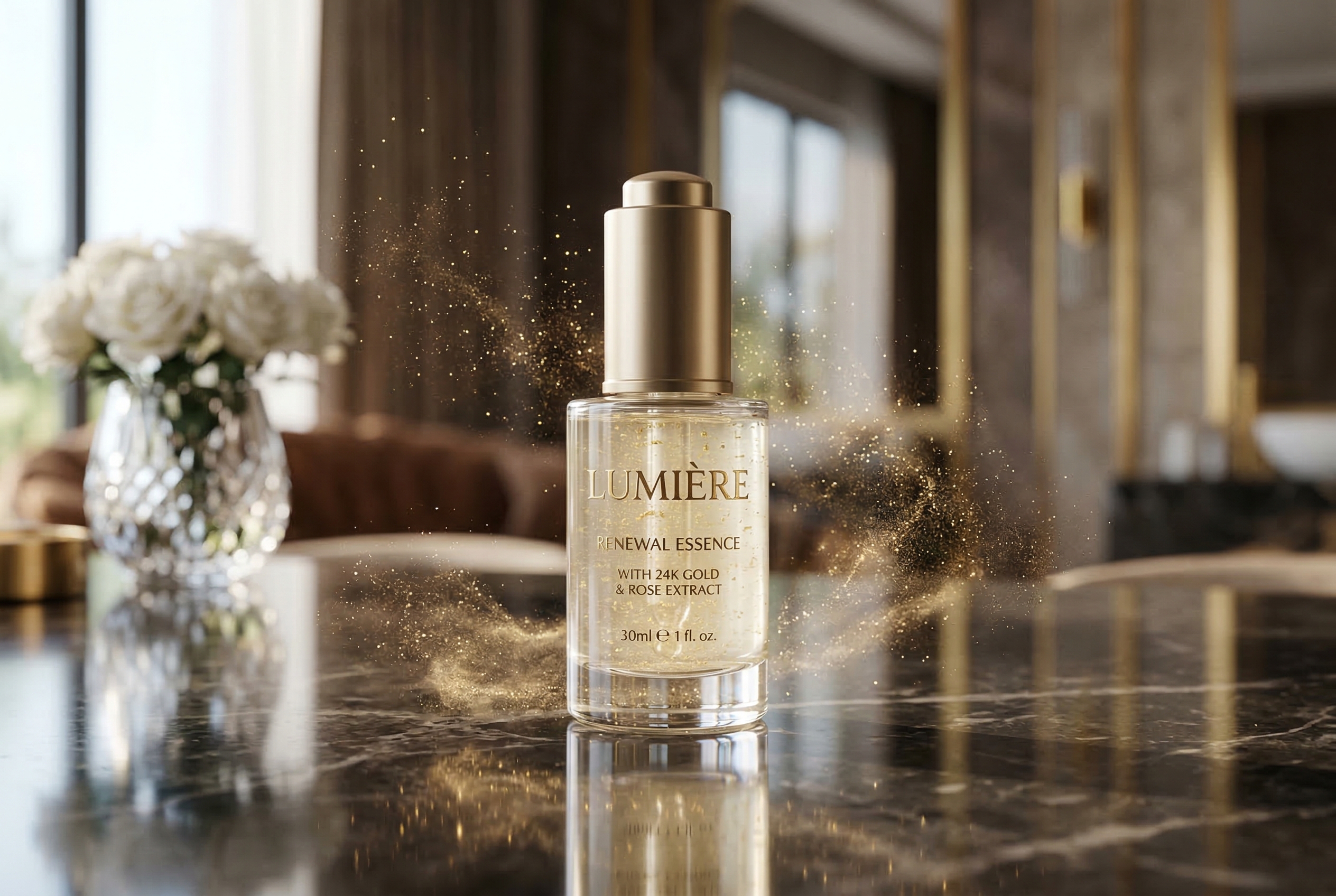
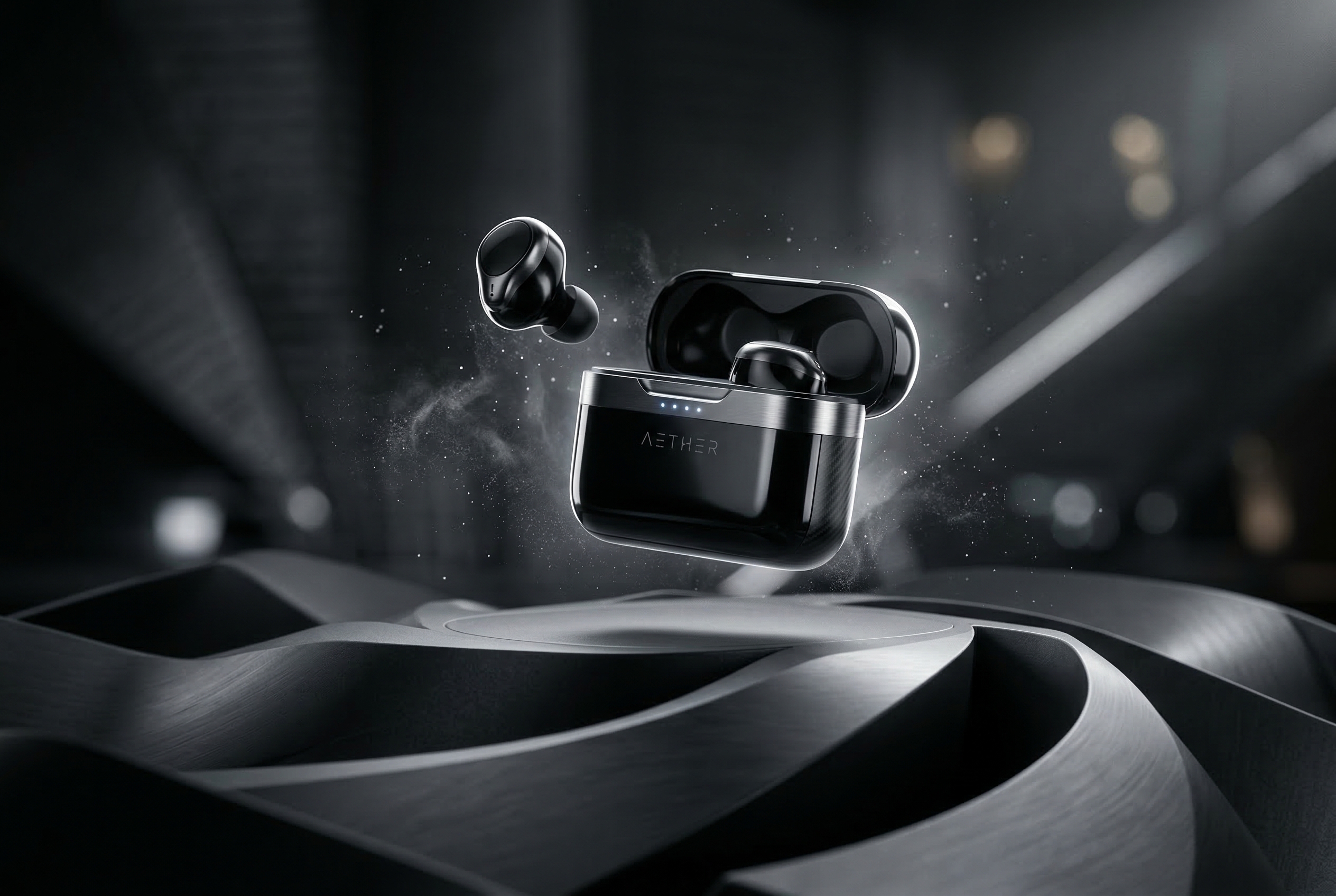
Animate product visuals withlight, shimmer, and motion cues

A clean product image gives the model room to add reflective movement, atmosphere, and gentle camera motion while keeping the object stable and commercial-ready.

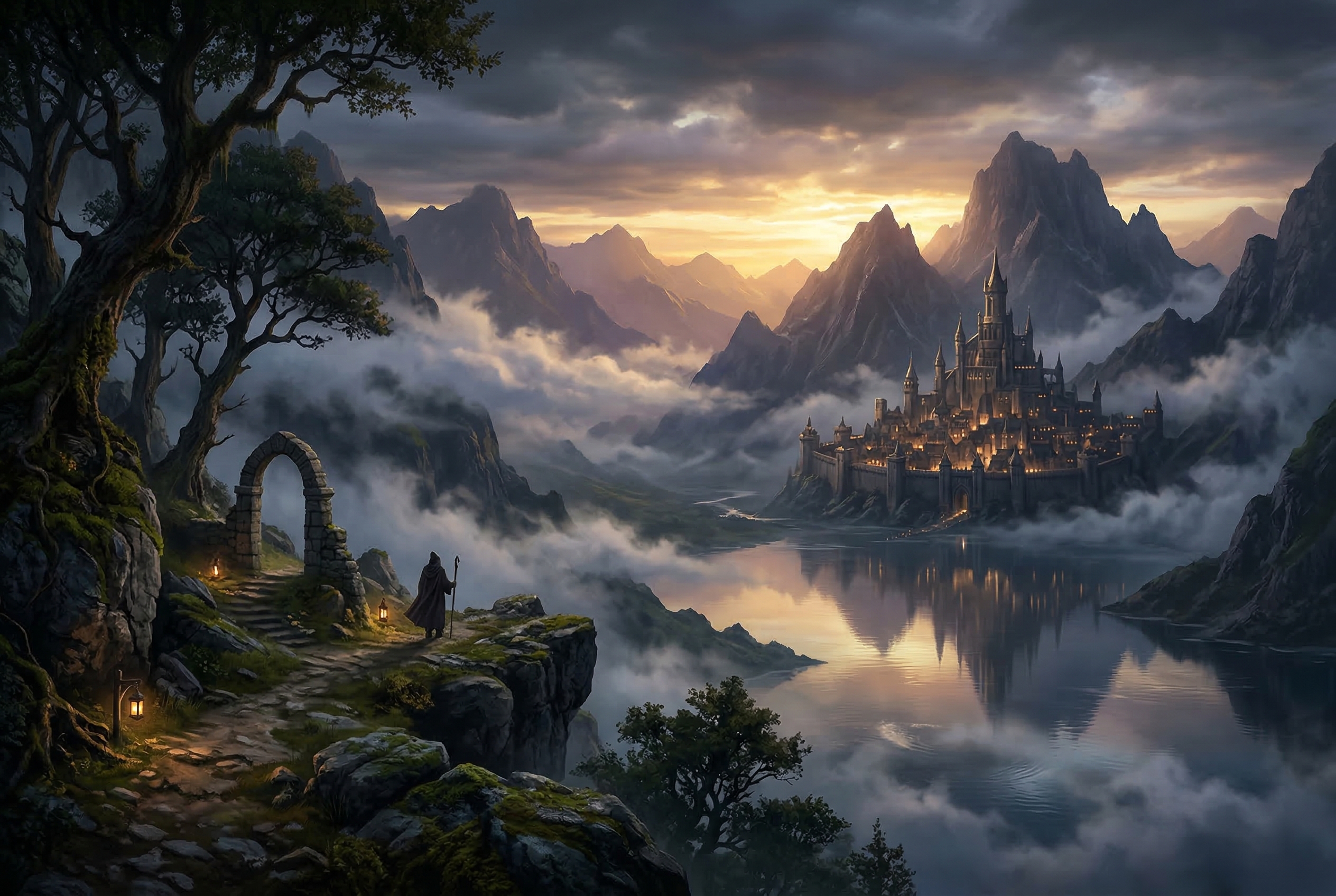
Animate scenic images withdepth and atmosphere intact

Landscape and scenic effect images are good inputs when you want fog drift, water movement, lighting transitions, or slow framing shifts that still feel believable.

What AI Image Animator does best

AI Image Animator works best with still visuals that already have a clear subject and visible depth. Use it to turn portraits, product images, and scenic photos into short motion assets without rebuilding the original design.

Prompt-led animation

Describe the motion you want instead of keyframing every layer by hand.

Strong still-image inputs

Works best with portraits, product visuals, and scenes that already have a clear focal subject.

Built for visual storytelling

Useful for product promos, short social clips, campaign visuals, and creator portfolios.

Keeps the page reusable

A clear section flow makes it easier to explain the workflow, show strong examples, and move users into the generator quickly.

Best image types to animate with AI Image Animator

Three focused feature rows are enough for this kind of animation page.

AI Image Animator portrait example

Portrait Effect Example

Portrait visuals with strong subject separation

Portrait effect images work well when the subject is clear and the background already has layered light and depth. This gives the model room to add gentle camera push, hair movement, light shimmer, and atmospheric motion without breaking the face or composition.

Portrait effectDepth layersCinematic motion
AI Image Animator product example

Product Effect Example

Product visuals with clean lighting and depth

A polished product effect image gives AI Image Animator enough structure to add shimmer, floating particles, reflective light movement, and subtle camera motion while keeping the main object stable and premium-looking.

Product effectLight shimmerCommercial motion
AI Image Animator scenic example

Scenic Effect Example

Scenic images with layered atmosphere

Scenic effect images are strong inputs when they contain visible foreground, midground, and background depth. The model can turn a still scene into motion with drifting fog, soft water movement, changing light, and a slow cinematic framing shift.

Scenic effectAtmospheric depthNatural motion
Workflow

How to animate a still image with AI Image Animator

A short four-step flow works best here.

1

Upload your image

Start with one still image such as a portrait, product shot, nature scene, or lifestyle frame.

2

Describe the motion

Use a prompt like slow camera move, light breeze through hair, or subtle background light drift.

3

Generate the animation

Create a short video while keeping the original composition and message recognizable.

4

Download and publish

Export the result for ads, product pages, social posts, presentations, or other content workflows.

AI Image Animator tips for cleaner motion results

Use a few practical reminders instead of a long gallery.

AI Image Animator FAQ for still-image animation

Common questions about animating still images with AI.


Start animating your still images with AI Image Animator

Upload one portrait, product image, or scenic photo, describe the motion, and turn the still frame into a short animated clip with AI Image Animator.

Start animating now