HappyHorse AI Video Generator

Create stunning HD clips from text prompts or still images. Powered by the same architecture behind the #1-ranked AI model. Try it free — no editing skills required.

See what HappyHorse can create cinematic quality in seconds

From text-to-motion to image animation, the model delivers HD results with natural movement, consistent subjects, and cinematic depth.

Create Ghibli-style worlds froma single text prompt

Dreamy watercolor landscapes, lush hillsides, towering clouds — describe a Miyazaki-inspired scene and it renders with hand-painted cel animation aesthetics.

Generate wool felt & craft scenes withhandmade texture and warmth

Miniature dioramas, needle-felted characters, cozy handcraft aesthetics — the model captures fiber textures, soft studio lighting, and tilt-shift depth in every frame.

Build cyberpunk worlds withneon, rain, and cinematic depth

Neon-soaked alleyways, holographic signs, rain-slicked reflections — it renders dense futuristic cityscapes with anamorphic flare and atmospheric fog.

Why creators choose HappyHorse for AI generation

It combines speed, quality, and versatility. Generate 1080p content in under 40 seconds with natural motion, consistent subjects, and 50+ visual styles — all from a simple text or image input.

Text-to-motion & image-to-motion

Two generation modes in one tool. Create from scratch with a text prompt, or animate an existing image into a cinematic clip.

1080p native HD output

Every result is rendered at full HD resolution. No upscaling artifacts — the model renders natively at 1080p for clean, sharp output.

Fast generation speed

It produces 15–30 second clips in roughly 38 seconds. The 8-step denoising pipeline makes it significantly faster than comparable models.

50+ visual styles

From photorealistic to anime, oil painting to cyberpunk — the generator matches the tone of your prompt or lets you pick a style manually.

What makes HappyHorse different from other AI tools

Built on a 15-billion-parameter transformer with unified text, image, motion, and audio encoding.

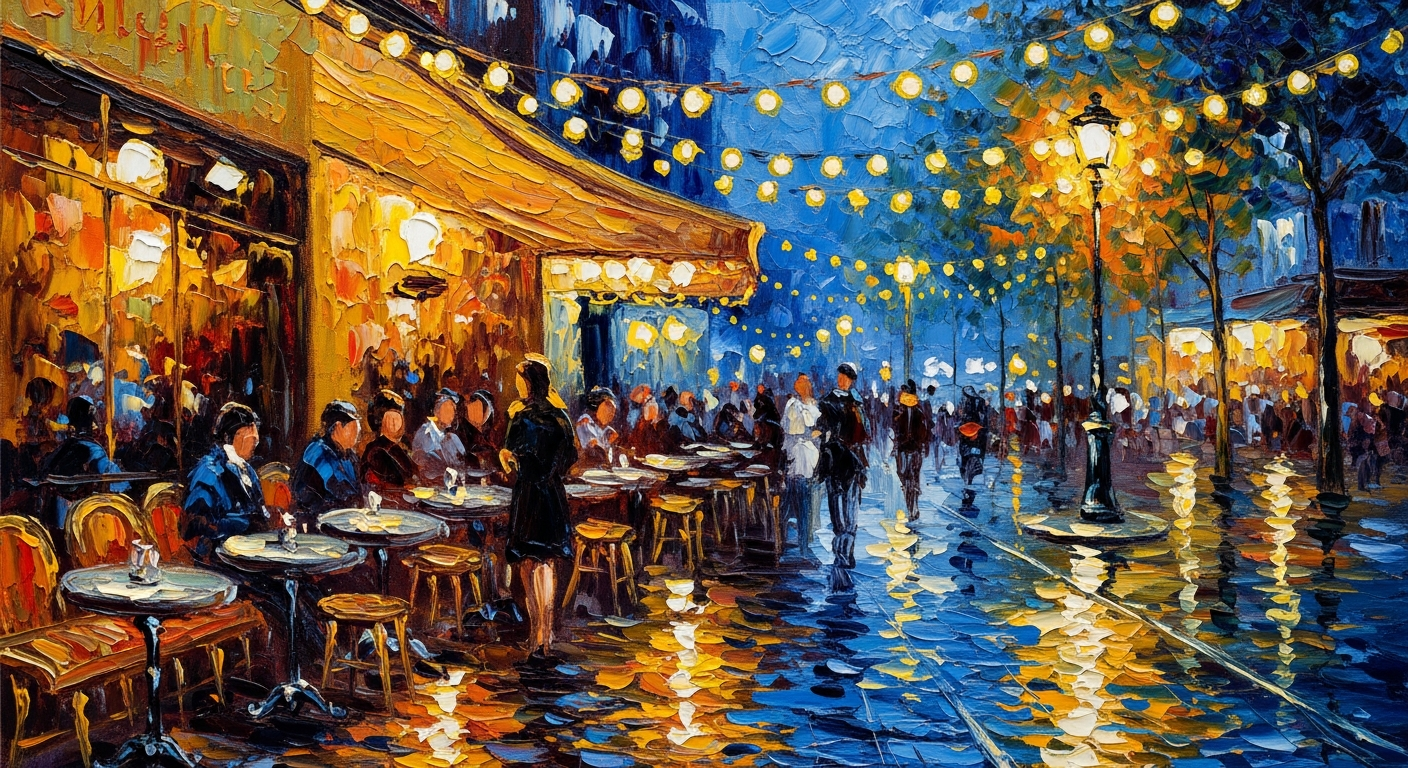
Impressionist oil painting style AI example

Text to Motion

Turn any idea into a cinematic clip

Describe a scene in natural language — characters, setting, camera angle, mood — and the model generates a smooth, coherent result with realistic motion, lighting, and depth. No storyboard or timeline needed.

Text-to-motionCinematic outputNatural language
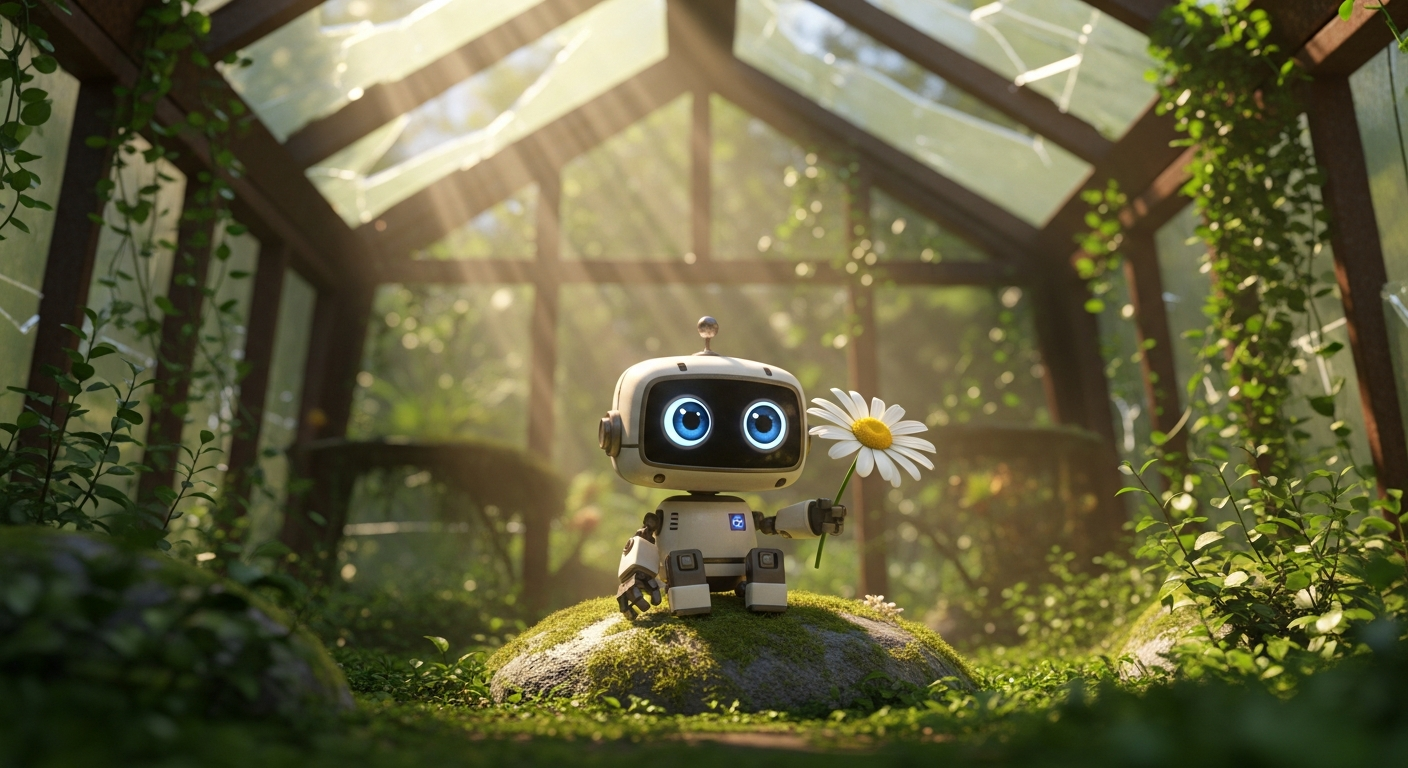
Pixar 3D animation style AI example

Image to Motion

Bring still images to life with prompt-guided animation

Upload a portrait, product photo, or scenic image and add motion with a short prompt. The tool preserves subject identity, composition, and visual style while adding camera movement, atmospheric effects, and natural animation.

Image animationIdentity preservationPrompt-guided
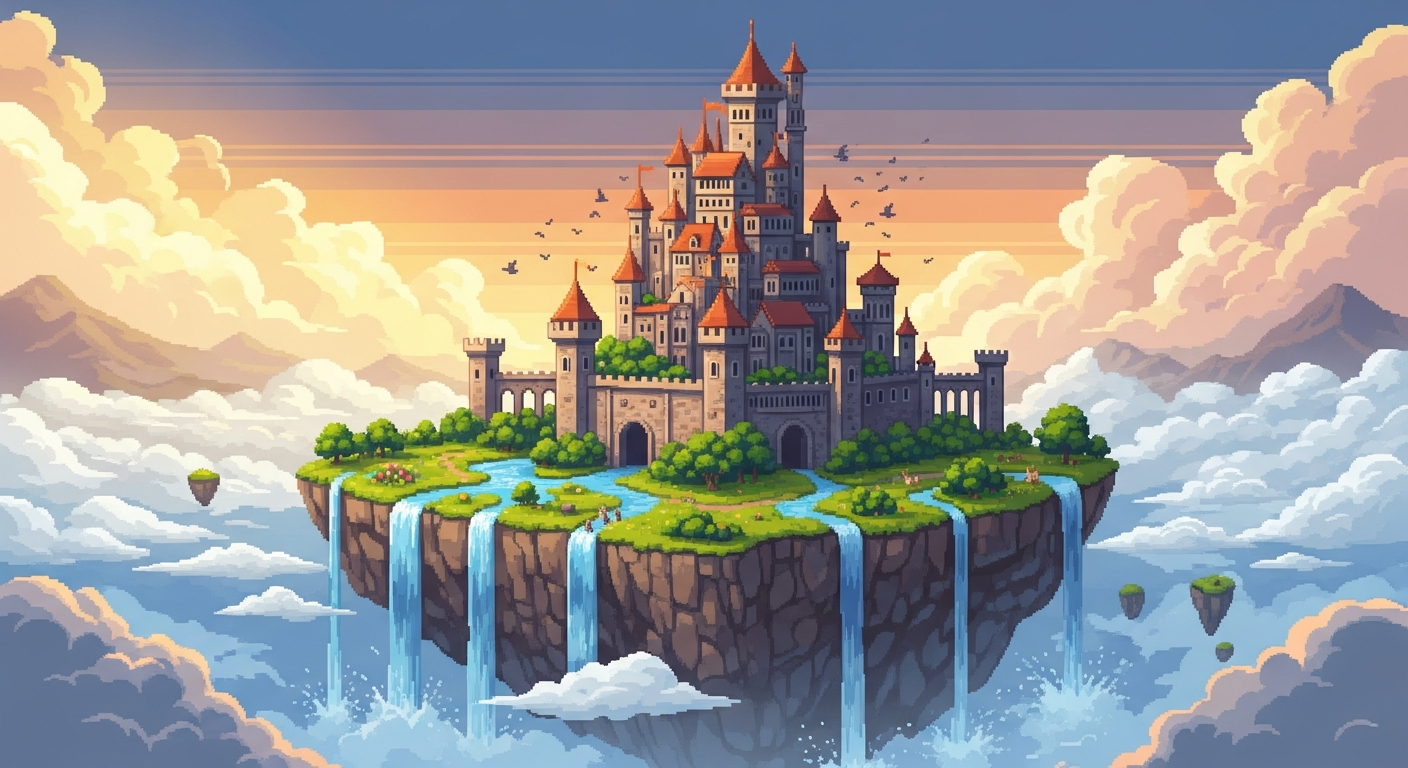
Pixel art retro game style AI example

Audio-Visual Sync

HappyHorse generates built-in audio and lip-sync

Unlike most AI tools that produce silent clips, it generates synchronized audio alongside visuals. Speech, ambient sound, and effects are matched to the content with over 90% lip-sync accuracy in English and Chinese.

Audio syncLip-syncMultilingual
How It Works

How to use HappyHorse AI generator

Create your first clip in four simple steps.

1

Choose your input mode

Select text-to-motion to create from scratch, or image-to-motion to animate an existing photo or design.

2

Enter your prompt

Describe the scene, motion, camera angle, and mood. Be specific — prompts like slow dolly shot, golden hour lighting work better than make it look good.

3

Generate your clip

Hit generate and wait about 38 seconds. The model renders a 15–30 second HD clip with natural motion and cinematic quality.

4

Download and share

Preview the result, download in HD, and use it for social media, ads, presentations, product pages, or any content workflow.

Tips for getting the best results from HappyHorse

A few practical pointers to improve your output quality.

HappyHorse FAQ

Frequently asked questions about this AI generation tool.


Start creating with HappyHorse

Type a prompt or upload an image and generate your first HD clip in seconds. No editing skills, no timeline, no learning curve.

Try HappyHorse free